
CALL NOW (916)928-6000
Support | My Account | RMA | Blog
CALL NOW (916)928-6000
Support | My Account | RMA | Blog
Submitting an RMA is quick and easy. Follow the steps below to create or access your account and submit your repair request. If you have any questions, please call 916-928-6000 and a member of our team will be happy to assist you.
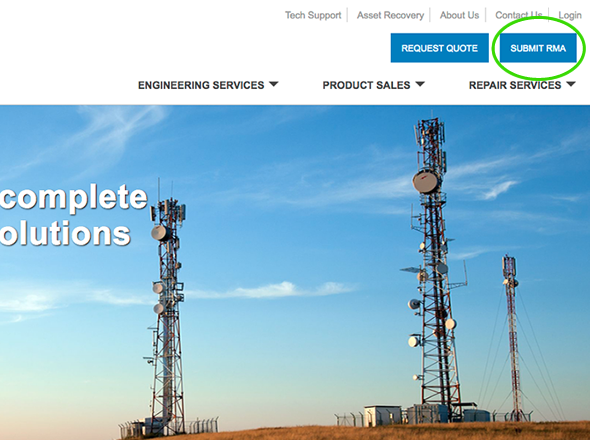
Click the SUBMIT RMA button in the upper-right corner.
Step 2.
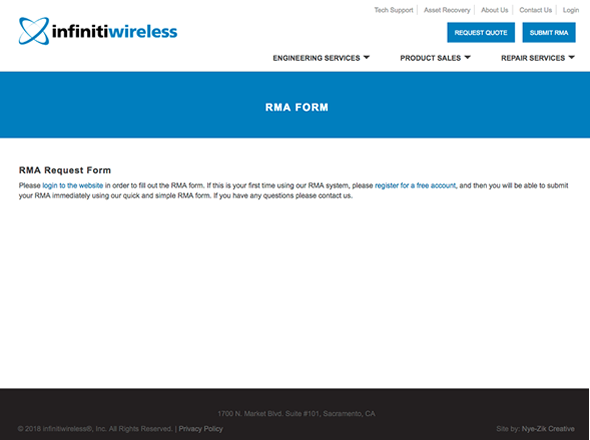
If you already have an account, click the login link to log in. If you do not have an account, click the Register Now link.
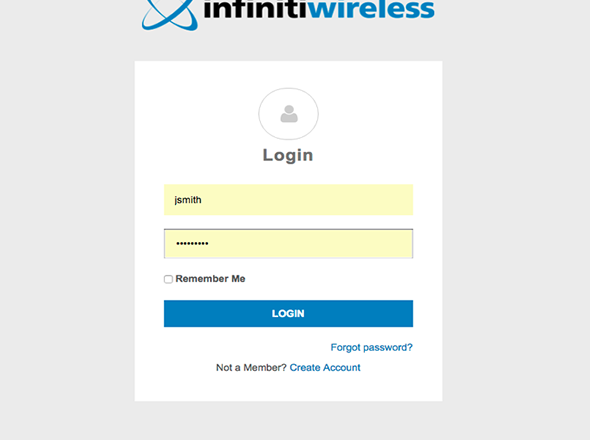
Sign in to your account to submit an RMA.
Step 4.
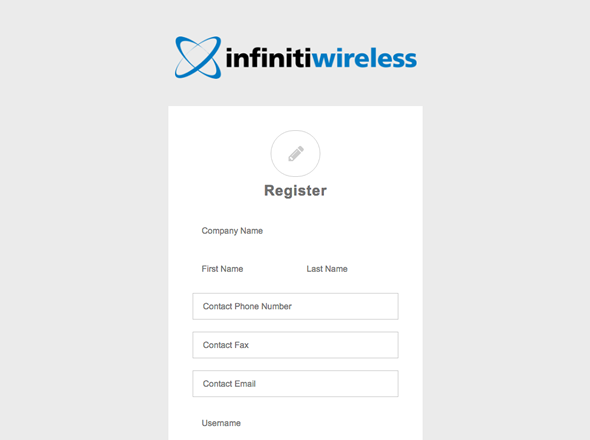
If you do not have an account, simply create one.
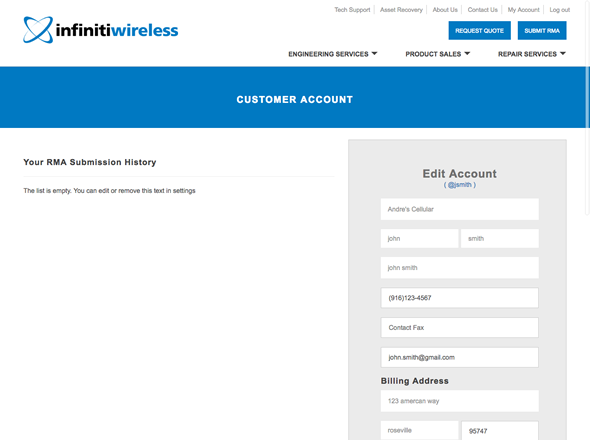
After you log in, you will be directed to your account page, where you can update your contact information, review previously submitted RMAs, and submit a new RMA.
Step 6.
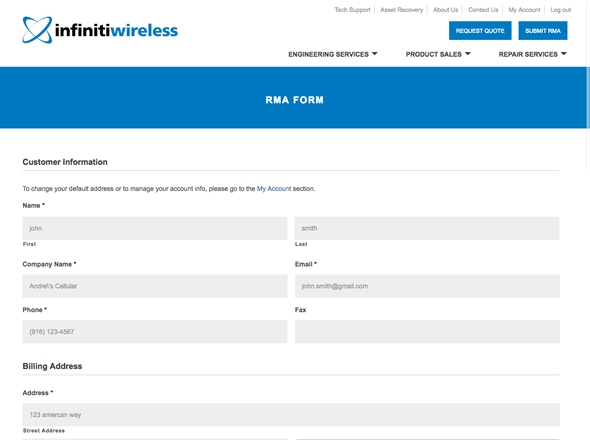
The form will auto-populate your contact information. Simply enter the product information and a description of the issue.
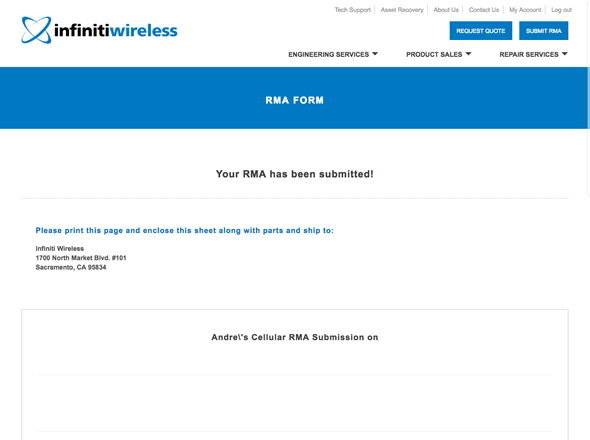
After successfully submitting your RMA, a packing slip/work order will be generated. Print the document and include it with the equipment being shipped.
Step 8.
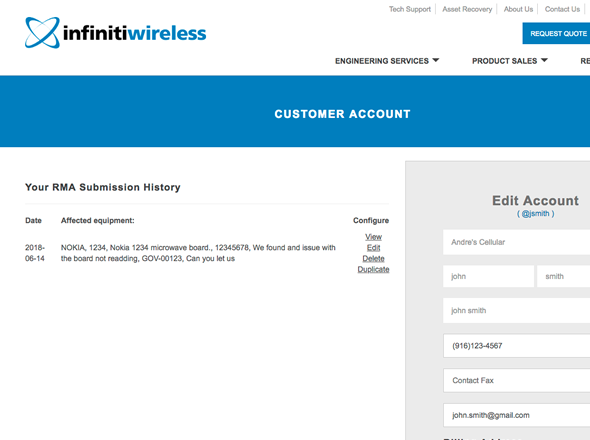
To access an RMA again, reprint a packing slip, or update information, log in to your account and select the appropriate RMA from your list of submitted RMAs.